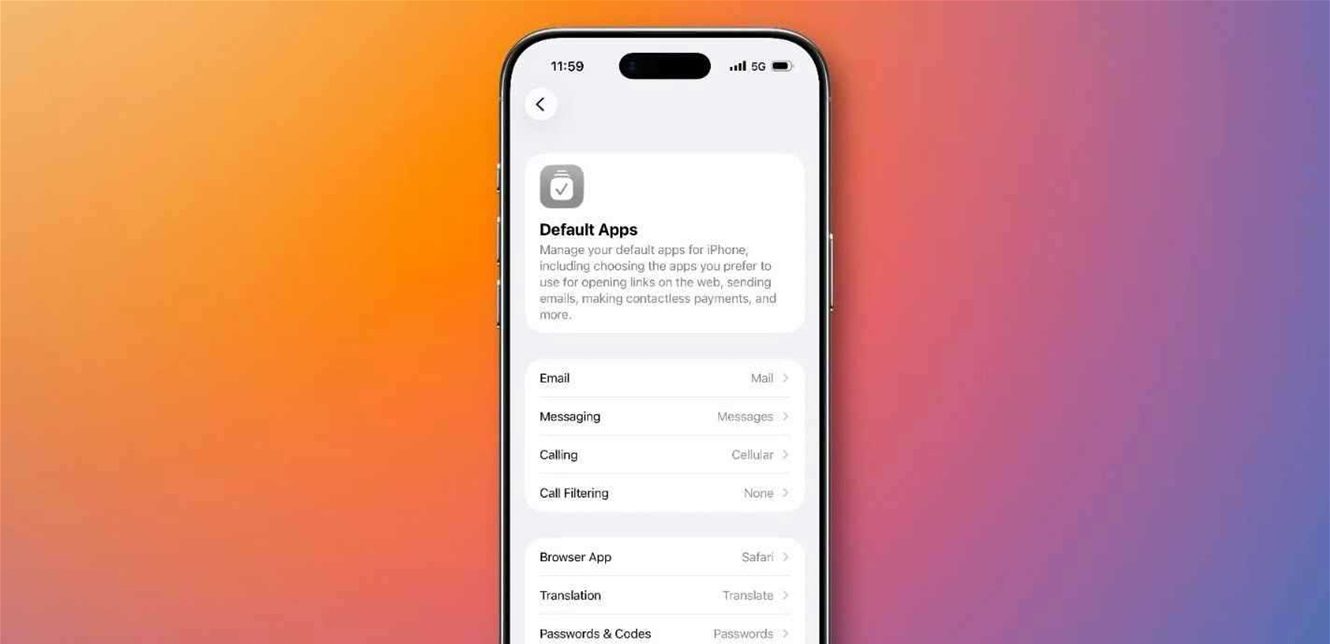
After many years of heavy reliance on its core apps for managing links, calls, maps, mail, and other system functions, Apple has expanded the scope of iPhone users’ control in choosing default apps in iOS 26.
Where this feature was previously limited to a small number of categories, users can now choose alternative apps for a wider range of daily tasks, providing a more personalized and flexible user experience, especially outside the United States where regulations differ from country to country.
In this update, changing default apps is done directly through the settings, by going to the apps section and then “Default Apps,” where the system explains for each category the meaning of setting a new app as the default option, and what tasks it will perform.
According to official support documents from Apple, this expansion is available in a wide geographical area including countries in the European Economic Area, and a large number of Arab and international countries, including “UAE,” “Saudi Arabia,” “Egypt,” “Jordan,” and “Morocco,” in addition to “United States,” “Canada,” “United Kingdom,” “Japan,” “Switzerland,” and “Taiwan.”
This move reflects Apple’s trend towards reducing the closed nature of iOS, and giving users more freedom to choose the tools they want to use within their devices, whether in browsing, communication, or managing mail and maps.