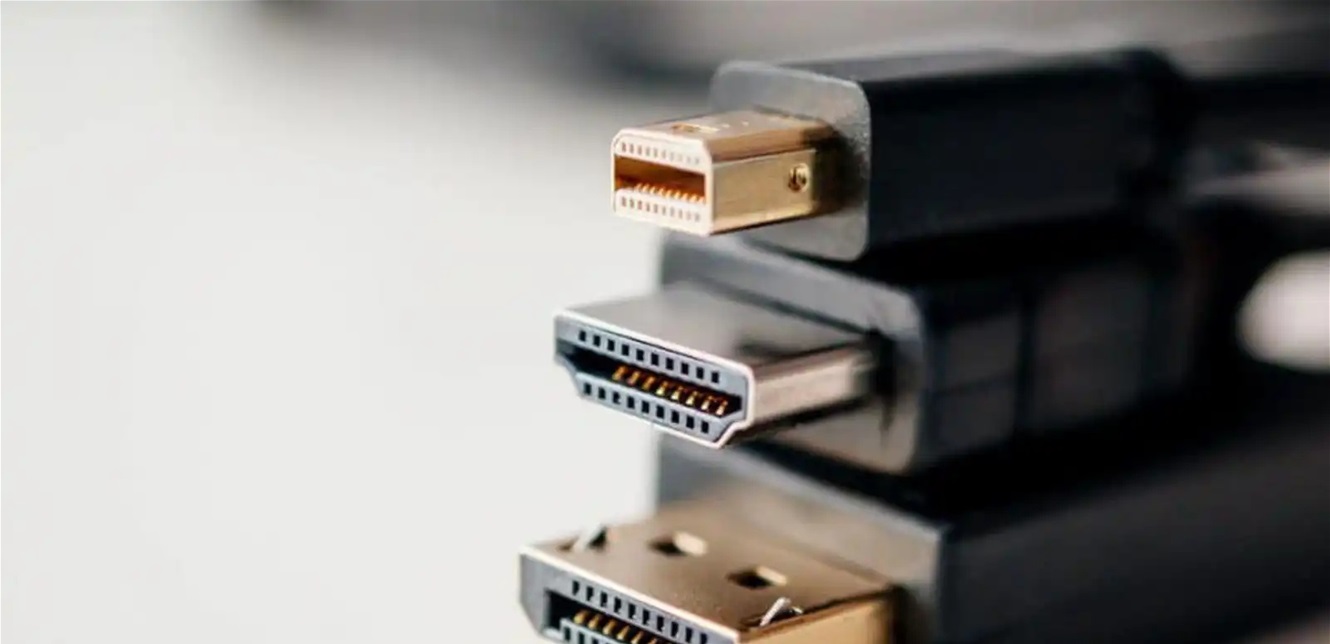
With the immense development in screen technologies, choosing the appropriate port for connecting the screen has become crucial. Despite the widespread use of the HDMI port, tech specialists see a need to think carefully before relying on it, especially in computers dedicated to gaming and high-performance devices.
Experts believe that DisplayPort excels in many aspects, providing higher data transfer rates, which allows for better refresh rates that suit the needs of gamers and experienced editors, in addition to supporting the connection of multiple screens using only one cable in modern graphics cards.
In a related context, USB-C and Thunderbolt ports have emerged as advanced alternatives, especially in laptops, where they allow the transfer of video, audio, and data signals, as well as power, through a single cable, and may completely replace the HDMI port if the device and screen are compatible with this technology.
Despite these features, “HDMI” remains a suitable option for regular use or with older devices. However, if using a modern computer for gaming or creative production processes, “DisplayPort” or “USB-C” remains a more preferable option in terms of performance and display quality. Therefore, it is always recommended to check the ports available on the computer and screen before purchasing cables.