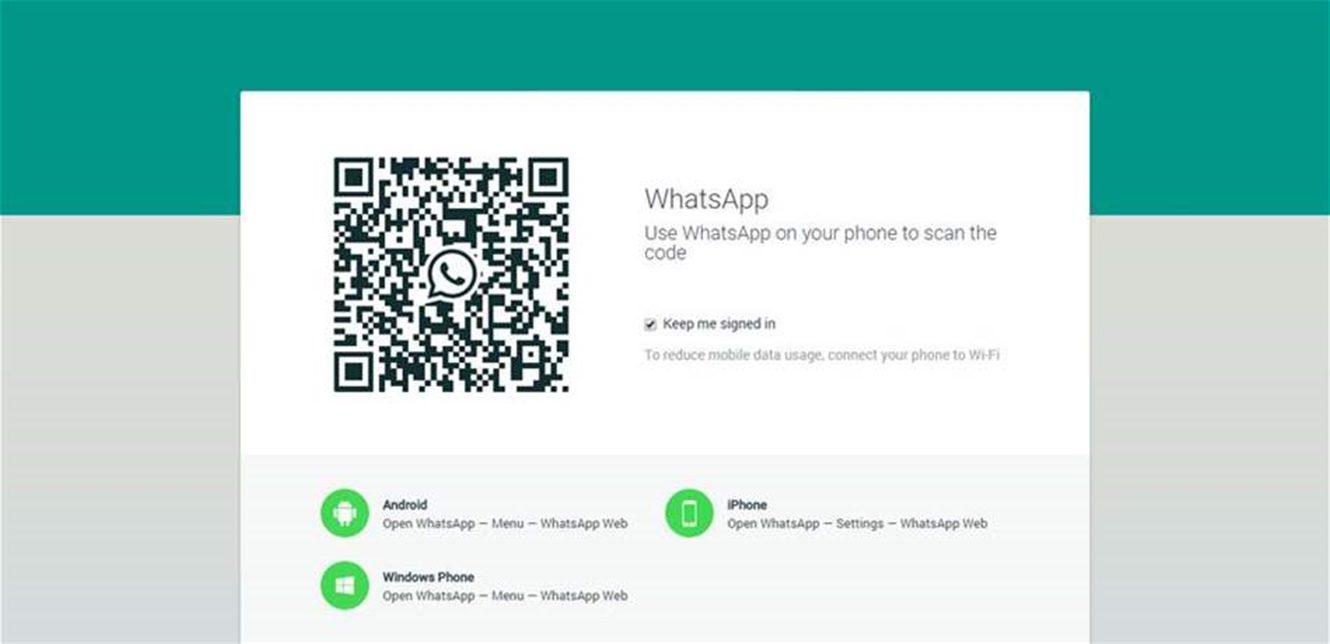
Specialized fault-tracking sites have observed that most of the complaints relate to users’ inability to load conversations or create a Quick Response (QR) code in “WhatsApp Web,” while others mentioned delays in message delivery or the application’s inability to connect to the server. One user wrote on a technical forum that the conversations had stopped completely and that he was unable to access “WhatsApp Web” as if the servers were not responding.
This malfunction also significantly affected the use of “WhatsApp Web,” as users became unable to open their conversations from computers or synchronize them with their phones, which hinders its use for any purpose, whether personal or work-related. Some users noticed messages such as “Computer not connected” or failure of the code necessary for synchronization to appear, and others were forced to log out and then reactivate without guaranteeing the success of the process.
What do you do if you encounter a problem with “WhatsApp”?
Here are some steps that may temporarily help you until the service returns to normal:
1. Reload the “WhatsApp Web” page (Refresh) or close the browser and reopen it.
2. Clear the cache and cookies in the browser.
3. Log out of “WhatsApp Web” and then log in again using the scanner (QR).
4. Make sure your phone is connected to the Internet strongly and stably.
5. Restart the phone or device you are using.
6. Update the “WhatsApp” application to the latest version if available.
7. Wait a little while, as the malfunction is often from the server or infrastructure side. (Al Youm Al Sabea)